> ## Documentation Index
> Fetch the complete documentation index at: https://docs.dfns.co/llms.txt
> Use this file to discover all available pages before exploring further.
# Fiat on/off-ramps
> On-ramp and off-ramp fiat with DFNS: convert stablecoins to fiat bank deposits with Payouts, deliver stablecoin to your wallets with Payins, or integrate third-party providers to settle global payments from your custody operations.
## Payouts (off-ramp) ⭐️ New!
Payouts is DFNS's built-in off-ramp: convert stablecoins held in your DFNS wallets to fiat bank deposits. Request a quote, initiate a payout, confirm it, and DFNS handles the rest, from on-chain transfer to fiat settlement.
* **Stablecoins**: USDC, USDT, EURC across Ethereum, Polygon, Base, Optimism, Celo, and Solana
* **Coverage**: 94 countries, 63 currencies
* **Provider**: [Borderless](https://www.borderless.xyz). Routes across 14+ licensed financial institutions for best-execution pricing
* **Privacy**: KYB is handled directly with Borderless. DFNS does not store any KYC/KYB or PII data.
* **Available via**: Dashboard and API
### Get started
Set up Borderless and initiate payouts
Integrate payouts via the API
***
## Payins (on-ramp) ⭐️ New!
Payins is DFNS's built-in on-ramp: deliver stablecoin from your payment provider's balance directly to a DFNS wallet. Register a recipient wallet, create a payin, and track its status and your provider balances.
* **Provider**: [Circle Mint](https://www.circle.com/circle-mint). Must be enabled for your organization.
* **Flow**: register a wallet as a payin recipient (approved on the provider's side), create payins to that recipient, then monitor payin status and provider balances.
* **Available via**: Dashboard and API
### Get started
Connect Circle Mint and create payins
Integrate payins via the API
***
## Third-party on-ramps
For fiat-to-crypto (on-ramp), DFNS integrates with third-party providers. Pass your DFNS wallet [address](/api-reference/wallets/get-wallet) as the recipient parameter in each provider's widget.
### Mt Pelerin
[Mt Pelerin](https://www.mtpelerin.com/) offers [competitive pricing and limited KYC requirements](https://developers.mtpelerin.com/why-mt-pelerin) for non-US markets. Integration is available [on the web](https://developers.mtpelerin.com/integration-guides/web-integration) and [on mobile](https://developers.mtpelerin.com/integration-guides/mobile-integration). Use the `addr` parameter ([options reference](https://developers.mtpelerin.com/integration-guides/options)) to pass the wallet address.
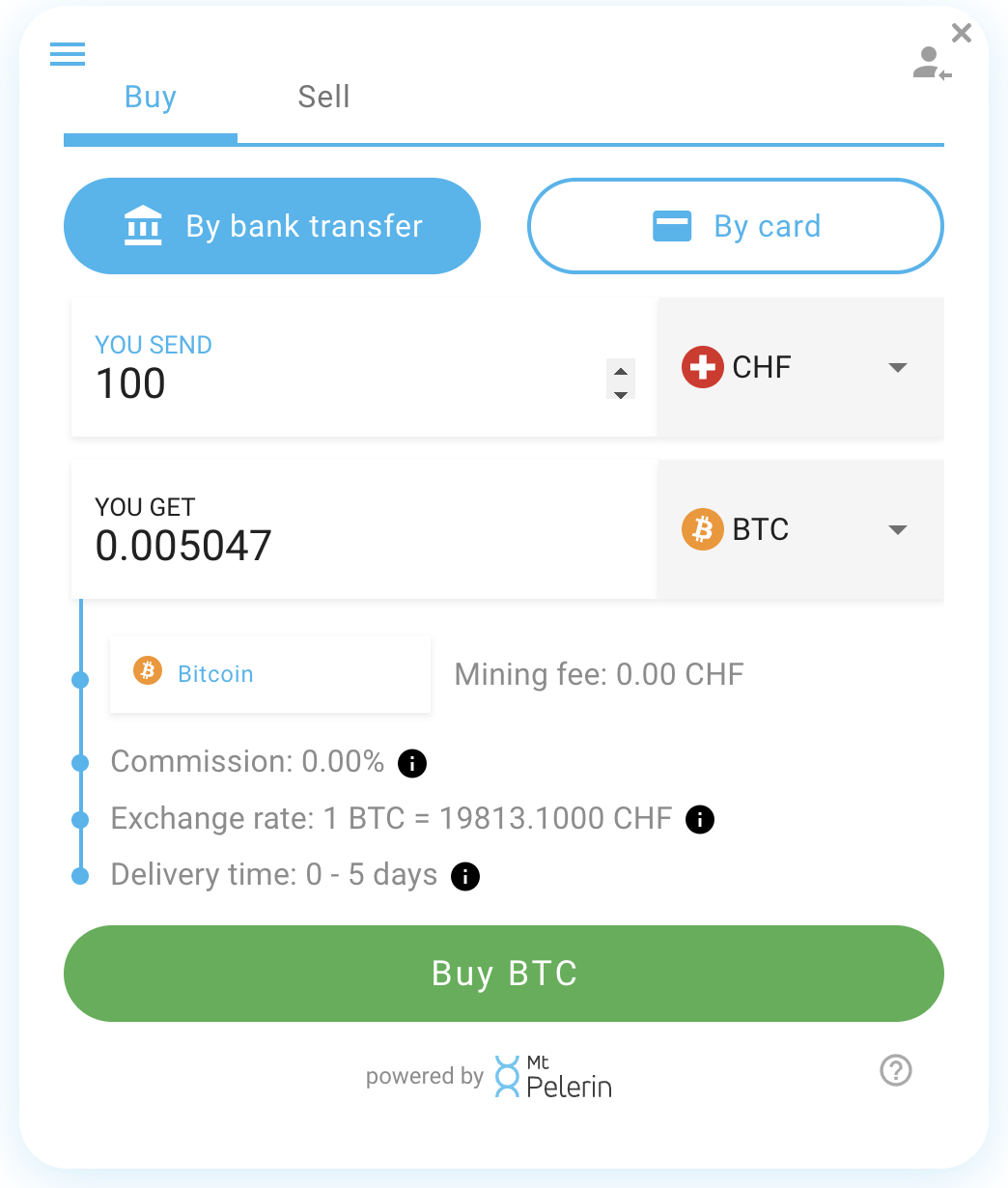 For off-ramp, Mt Pelerin provides end users with an address to transfer funds to. Use the DFNS [Transfer API](/api-reference/wallets/transfer-asset) to send funds to that address.
### Ramp.Network
[Ramp](https://docs.ramp.network/web/quick-start-overlay) provides an SDK for web and mobile. Use the `userAddress` parameter ([SDK reference](https://docs.ramp.network/configuration#useraddress)) to pass the wallet address.
For off-ramp, Mt Pelerin provides end users with an address to transfer funds to. Use the DFNS [Transfer API](/api-reference/wallets/transfer-asset) to send funds to that address.
### Ramp.Network
[Ramp](https://docs.ramp.network/web/quick-start-overlay) provides an SDK for web and mobile. Use the `userAddress` parameter ([SDK reference](https://docs.ramp.network/configuration#useraddress)) to pass the wallet address.
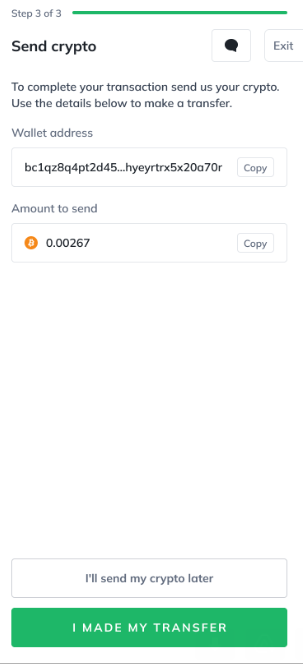
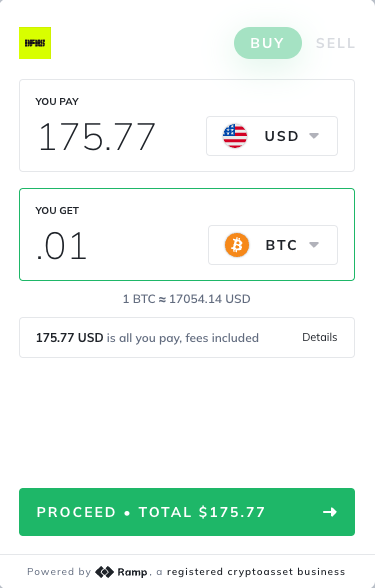 For off-ramp, Ramp provides an address for the conversion. Use the DFNS [Transfer API](/api-reference/wallets/transfer-asset) to send funds.
 ### Sardine
[Sardine](https://docs.sardine.ai/docs/integrate-payments/5lz28jlqvuvg4-mobile-url-web-view#3-create-url) is a fiat on-ramp provider with URL-based integration. Pass the destination DFNS wallet address obtained from the [Wallet API](/api-reference/wallets/get-wallet).
### Sardine
[Sardine](https://docs.sardine.ai/docs/integrate-payments/5lz28jlqvuvg4-mobile-url-web-view#3-create-url) is a fiat on-ramp provider with URL-based integration. Pass the destination DFNS wallet address obtained from the [Wallet API](/api-reference/wallets/get-wallet).