> ## Documentation Index
> Fetch the complete documentation index at: https://docs.dfns.co/llms.txt
> Use this file to discover all available pages before exploring further.
# Recover your account
> How to recover access to your DFNS account if you lose your passkey or device, using recovery codes, recovery credentials, and verified flows.
export const Youtube = props => {
return ;
};
If you lose access to your device or credentials, you can recover your DFNS account using your recovery kit.
This guide is for users who registered through the DFNS dashboard. If you registered through a third-party application, contact the application provider. They manage the recovery flow for their users. See [Implementing end-user recovery](/guides/developers/end-user-recovery) for developers building recovery flows.
## Using your recovery kit
When you registered on the DFNS dashboard, you received a recovery kit. You should have stored this securely offline.
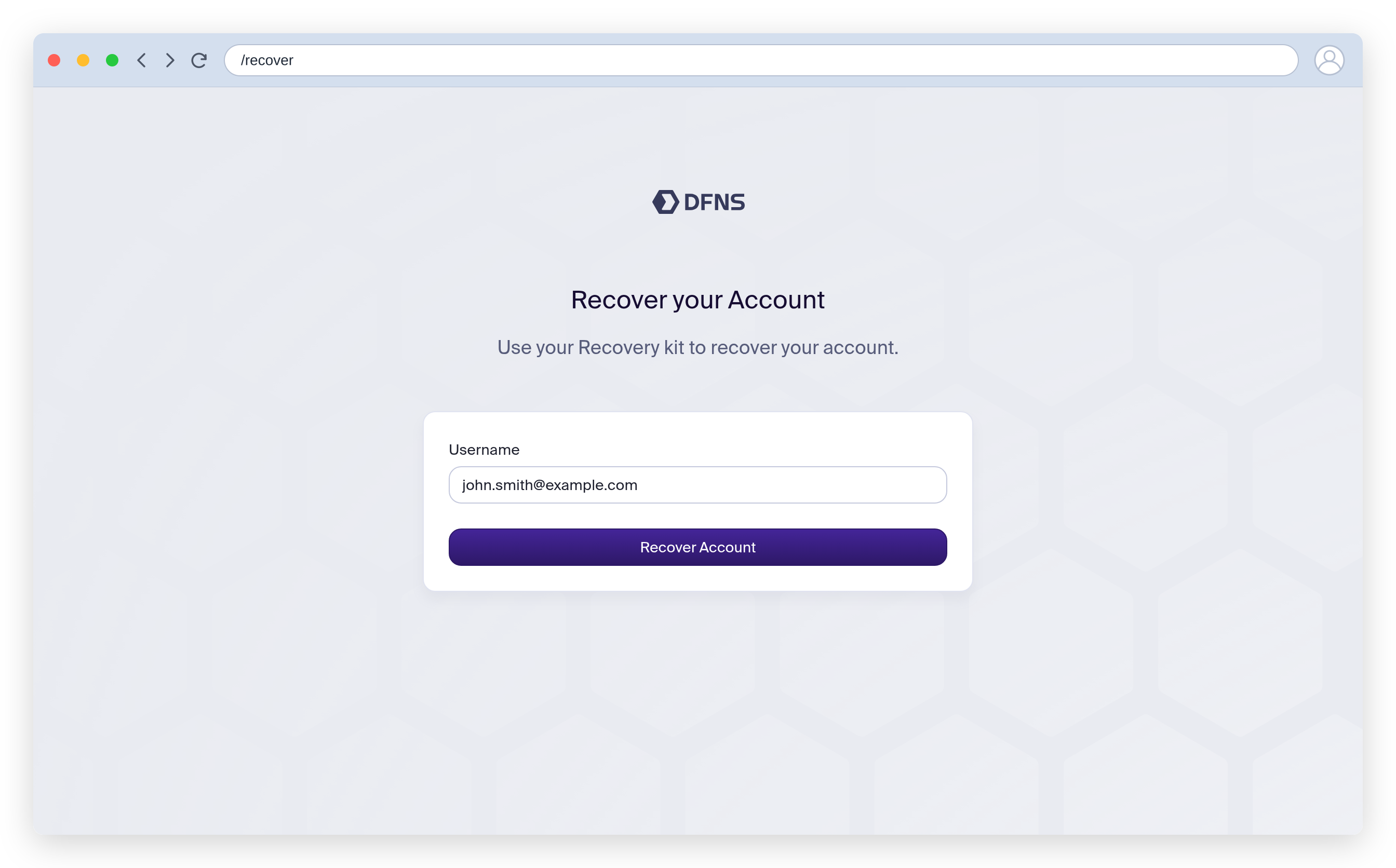
Navigate to [app.dfns.io/recover](https://app.dfns.io/recover), enter the username (email) you registered with, and click **Recover Account**.
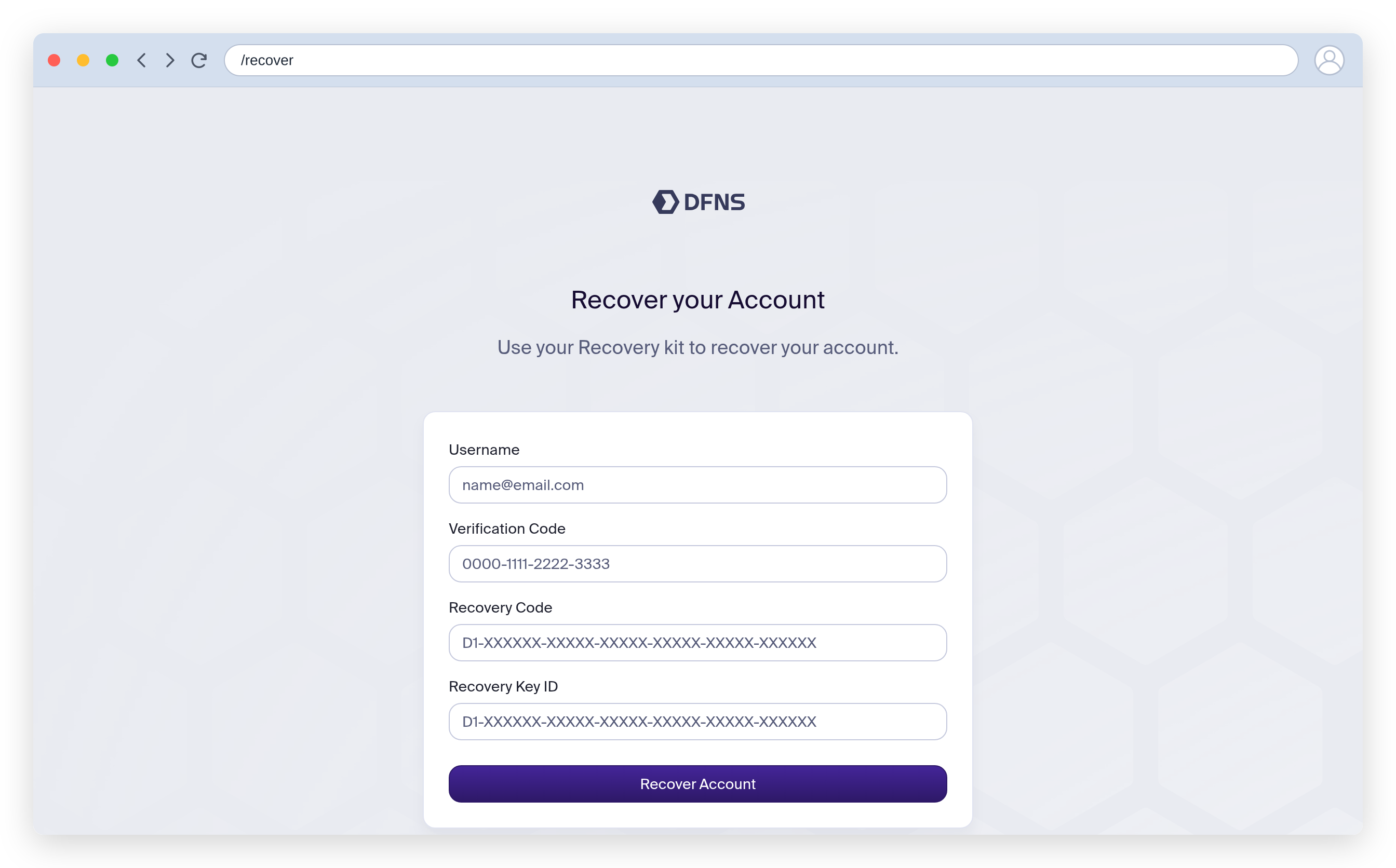
DFNS emails a verification code to your registered address. Enter that code along with the **recovery code** and **recovery key ID** from your recovery kit, then submit.
After your recovery information is verified, you're prompted to create a new passkey. Your old credentials are invalidated.
## Troubleshooting
**`Recovery is not available at this time. Please try again later.` (403)** — This means a recovery code was already requested for your account too recently. After a recovery code is sent, there is a cooldown (about 4 hours) before a new one can be requested. Wait for the cooldown to elapse, then retry with the most recent code that was emailed to you. If you never received a code, check that you entered the exact username (email) you registered with.
## If you lost your recovery kit
If you no longer have your recovery kit, contact an administrator in your organization. They can:
1. Remove your user account
2. Recreate your account with the same email
3. You'll receive a new invitation to register
Before removing a user, check if they are part of any policy quorums. Removing a user who is required for approvals may block operations.