The audit log records every signed action in your organization: user registrations, recoveries, and any state-changing API call gated by a user-action signature. You can export it as a CSV from the dashboard under Settings → Audit Log.
1

Open the audit log

Go to Settings → Audit Log and set the Date Range to the period you want to export. Each export is capped at 100,000 rows — if your range exceeds that, narrow it and export the rest in batches.
2

Filter and download

Optionally filter to actions performed by a specific User, then click Download CSV.
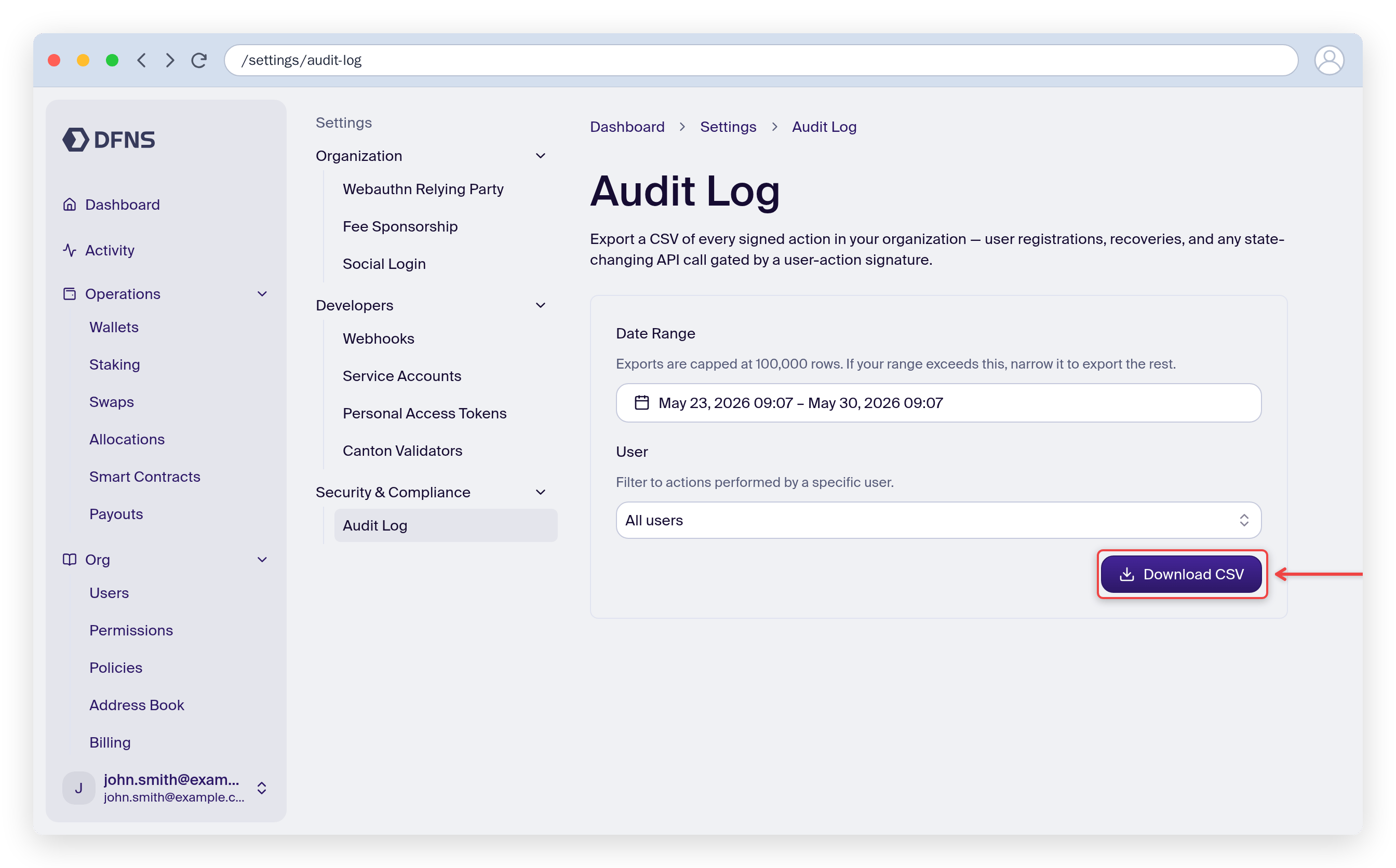
Audit Log export form showing the date range, user filter, and the Download CSV button highlighted
Last modified on June 26, 2026